10 min read
Best iPhone Storage Cleanup Apps for Photos and Videos
Compare top iPhone storage cleanup apps for photos, videos, screenshots, and duplicates, including local-first options like Space Swipe.
Best iPhone Storage Cleanup Apps for Photos and Videos
If your iPhone is running out of space, the fastest wins usually come from your camera roll: large videos, duplicate shots, screenshots, blurry photos, and old media you no longer need. The best iPhone storage cleanup app is not always the one with the biggest "clean now" button. It is the one that helps you find clutter, review it clearly, and delete only what you actually mean to delete.
Below are some of the best iPhone storage cleanup apps to consider, including Space Swipe for people who want a calmer, more deliberate way to clean up photos and videos.
Best iPhone Storage Cleanup Apps (Ranked)
Tap a name to jump to that app's section, or open its App Store listing.


What iPhone Cleanup Apps Can Actually Do
Before comparing apps, it helps to know what iOS allows.
An iPhone cleaner app usually cannot wipe random system cache, secretly delete files from other apps, or magically make every storage category smaller. Apple limits what third-party apps can access, which is good for privacy.
The useful cleanup apps focus on things you can safely review:
- duplicate and similar photos
- screenshots
- blurry shots
- large videos
- old media from specific months or events
- duplicate contacts
- large email attachments or junk emails
- video compression
Apple also gives you built-in storage tools in Settings, including iPhone Storage recommendations and app-by-app storage usage. It is worth checking those first. But if your Photos library is the main problem, a dedicated photo and video cleanup app can make the review process much easier.
What Makes a Good iPhone Storage Cleanup App?
A good cleanup app should help you make better decisions, not rush you into deleting memories.
Look for an app that:
- lets you review before deleting
- makes delete actions clear
- handles photos and videos, especially large videos
- explains storage savings as estimated, not guaranteed
- respects privacy
- works well in short sessions
- does not pretend that every similar photo is automatically junk
That last point matters. A burst of five similar photos might include the one photo where everyone is smiling. A good cleanup app should make that easy to spot.
1. Space Swipe
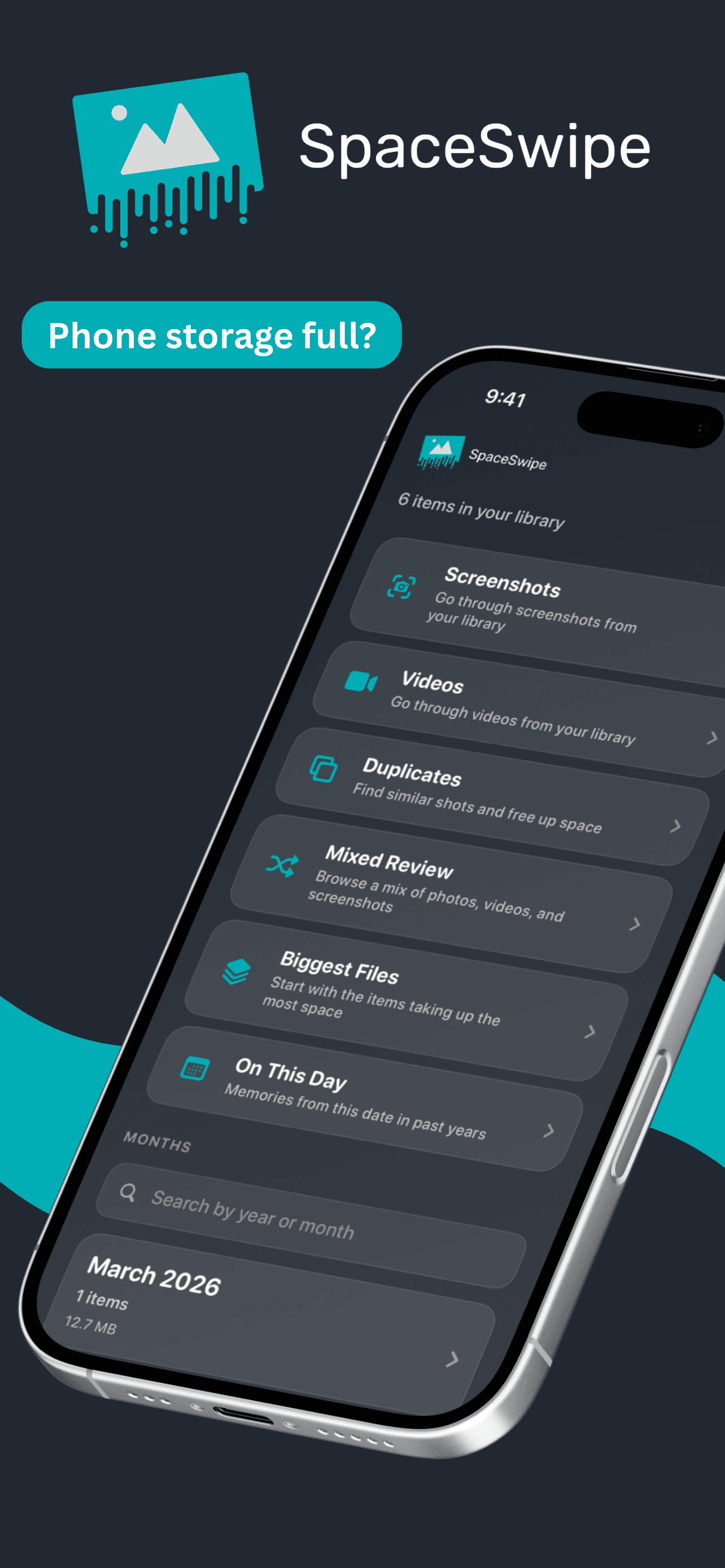
Space Swipe is built for people who want to clean up their camera roll without feeling like they are handing control to a mystery button.
The app focuses on photo and video review. Instead of trying to be a general-purpose phone cleaner, Space Swipe helps you move through your media in manageable sessions, decide what to keep, and stage items for deletion before anything is removed.
That makes it a strong choice if your storage problem is mostly:
- old screenshots
- large videos
- similar photos
- months of camera roll clutter
- photos and videos you want to review before deleting
Space Swipe is also local-first. The product direction is simple: your review happens on your iPhone, with privacy and control at the center. There are no accounts needed for the cleanup flow, and deletion is not automatic.
The most important part is the delete flow. Items you mark for removal go into a delete queue first. You still need to confirm before deletion happens, which helps prevent accidental swipes from becoming permanent mistakes.
Choose Space Swipe if you want:
- a media-first cleanup app
- local-first review
- a slower, safer decision flow
- estimated storage guidance
- explicit delete confirmation
Skip Space Swipe if you mainly want contact cleanup, email cleanup, VPN features, device security scans, or a one-tap all-in-one utility.
2. CleanMyPhone
CleanMyPhone is a photo and video cleanup app from MacPaw, the company behind CleanMyMac. Its App Store positioning focuses on AI-powered cleanup for years of photos and videos, including similar images, duplicates, and useless videos.
This makes CleanMyPhone a good fit if you want a polished premium cleaner from an established utility brand. It is especially relevant for people who have heard of MacPaw already and want something that feels more like a full product than a tiny one-off cleaner.
Choose CleanMyPhone if you want:
- a recognizable cleaner brand
- AI-assisted media cleanup
- help sorting through photos, videos, similar images, and duplicates
Things to check before choosing it:
- current subscription pricing
- what features are free vs paid
- whether its cleanup style gives you enough manual review
3. Clever Cleaner
Clever Cleaner is a camera roll cleanup app from CleverFiles, the developer known for Disk Drill. Its App Store page positions it as a free iPhone cleaner app with no subscriptions, pro plans, or ads.
That makes it an obvious app to consider if your first requirement is cost. For people who want to test cleanup without immediately running into a subscription, Clever Cleaner may be appealing.
Choose Clever Cleaner if you want:
- a free-focused iPhone cleaner
- camera roll cleanup
- duplicate or similar photo review
Things to check:
- whether the current App Store listing still matches the free positioning
- which cleanup categories it supports today
- how much control you get before deleting
4. Cleanup
Cleanup: Phone Storage Cleaner is one of the broader iPhone cleanup apps. Its App Store positioning includes camera roll cleanup, duplicate photos, videos, junk email, duplicate contacts, video compression, and general storage organization.
That can be useful if your storage problem is not limited to photos. If you also want to merge contacts, compress videos, or clean up email clutter, a broader tool may save you from installing several separate apps.
Choose Cleanup if you want:
- photo and video cleanup
- duplicate contact tools
- email cleanup
- video compression
- an all-in-one utility approach
The tradeoff is that broad apps can feel busier. More features can mean more screens, more decisions, and more subscription prompts. Review carefully before deleting anything.
5. Cleaner Kit
Cleaner Kit is another all-in-one iPhone cleaner. Its App Store copy describes cleanup for photos, videos, emails, contacts, and more, with AI-powered detection for duplicates, blurry shots, and junk files.
It is worth considering if you want one cleaner app that tries to handle several storage categories at once. It may be a better fit for someone who wants a utility dashboard than someone who only wants a focused camera roll review.
Choose Cleaner Kit if you want:
- an all-in-one cleaner
- photo and video cleanup
- email and contact tools
- a broad feature set
Things to check:
- current pricing and trial terms
- which tools require payment
- whether deletion review feels clear enough for your comfort level
6. Swipewipe
Swipewipe is a photo cleaner built around swiping through your camera roll. Its App Store positioning focuses on reclaiming your camera roll one swipe at a time, reviewing month by month, finding clutter, and making photo cleanup feel less like a chore.
If you like the idea of a swipe-based review flow, Swipewipe is one of the most visible apps in that category. It is a strong comparison point for anyone looking at Space Swipe, because both apps understand that photo cleanup is partly about making review feel less exhausting.
Choose Swipewipe if you want:
- swipe-based photo cleanup
- month-by-month review
- a playful photo decluttering experience
Compare it with Space Swipe if your deciding factors are privacy, local-first positioning, delete confirmation, and how much the app focuses on photos and videos versus extra features.
7. Remo
Remo Duplicate Photos Remover is more focused than the all-in-one cleaner apps. Its core job is finding duplicate and similar photos so you can remove extras from your library.
That narrower scope can be a good thing. If you know duplicates are the problem and you do not want a broader cleaner app, a focused duplicate remover may be enough.
Choose Remo if you want:
- duplicate photo detection
- similar photo cleanup
- a narrower tool with one main job
Skip it if your biggest storage issue is large videos, screenshots, or general month-by-month camera roll review.
Can iPhone Cleaner Apps Clear System Cache?
Usually, no. At least, not in the broad way people imagine.
iOS does not let third-party apps freely dig through system files and delete caches across the whole phone. That is why many "phone cleaner" claims should be read carefully.
The more realistic storage wins come from:
- deleting photos and videos you do not need
- removing duplicate or similar media
- deleting old screenshots
- compressing large videos
- offloading unused apps in iPhone Storage settings
- removing downloaded files from apps
- clearing Recently Deleted when you are sure
This is why photo and video cleanup apps can still be useful. They are not magic system cleaners, but they can help with the storage category that often grows the fastest.
What About iCloud Photos?
If iCloud Photos is on, deleting a photo or video can affect your synced library. That means a deletion on your iPhone may also remove the item from iCloud and other devices using the same Apple Account.
That is not a bug. It is how synced photo libraries work.
Before deleting a large number of items, check your iCloud Photos settings and make sure you understand what will happen. Apple also keeps deleted photos and videos in Recently Deleted for a limited time in many cases, but you should not treat Recently Deleted as a backup plan. If you care about something, back it up before deleting it.
Which iPhone Storage Cleanup App Should You Choose?
Choose Space Swipe if your main problem is photo and video clutter and you want a local-first app that helps you review before deleting.
Choose CleanMyPhone if you want a premium cleaner from an established utility brand.
Choose Clever Cleaner if you want to start with a free-oriented cleaner.
Choose Cleanup or Cleaner Kit if you want broad tools for photos, contacts, email, and video compression in one app.
Choose Swipewipe if you want swipe-based photo decluttering with a playful feel.
Choose Remo Duplicate Photos Remover if duplicate photos are the specific problem you want to solve.
For most people, the safest approach is simple: start with Apple’s built-in iPhone Storage screen, then use a cleanup app for the part Apple does not make easy, which is actually reviewing hundreds or thousands of photos and videos.
If your main problem is camera roll clutter rather than overall iPhone storage, see Best iPhone Photo Cleaner Apps.
Are iPhone storage cleanup apps safe?
Can an iPhone cleanup app delete photos automatically?
Do iPhone cleanup apps free iCloud storage too?
Why are storage savings only estimated?
What is the safest way to delete large videos?
Final Take
The best iPhone storage cleanup app is the one that matches how you want to make decisions.
If you want the broadest utility, look at all-in-one cleaners. If you only care about duplicates, use a focused duplicate remover. If you want a careful, local-first way to review photos and videos before deleting them, Space Swipe is built for that.
Your camera roll is not junk. It is a mix of memories, clutter, accidents, screenshots, and giant videos. The right cleanup app should help you tell the difference.